

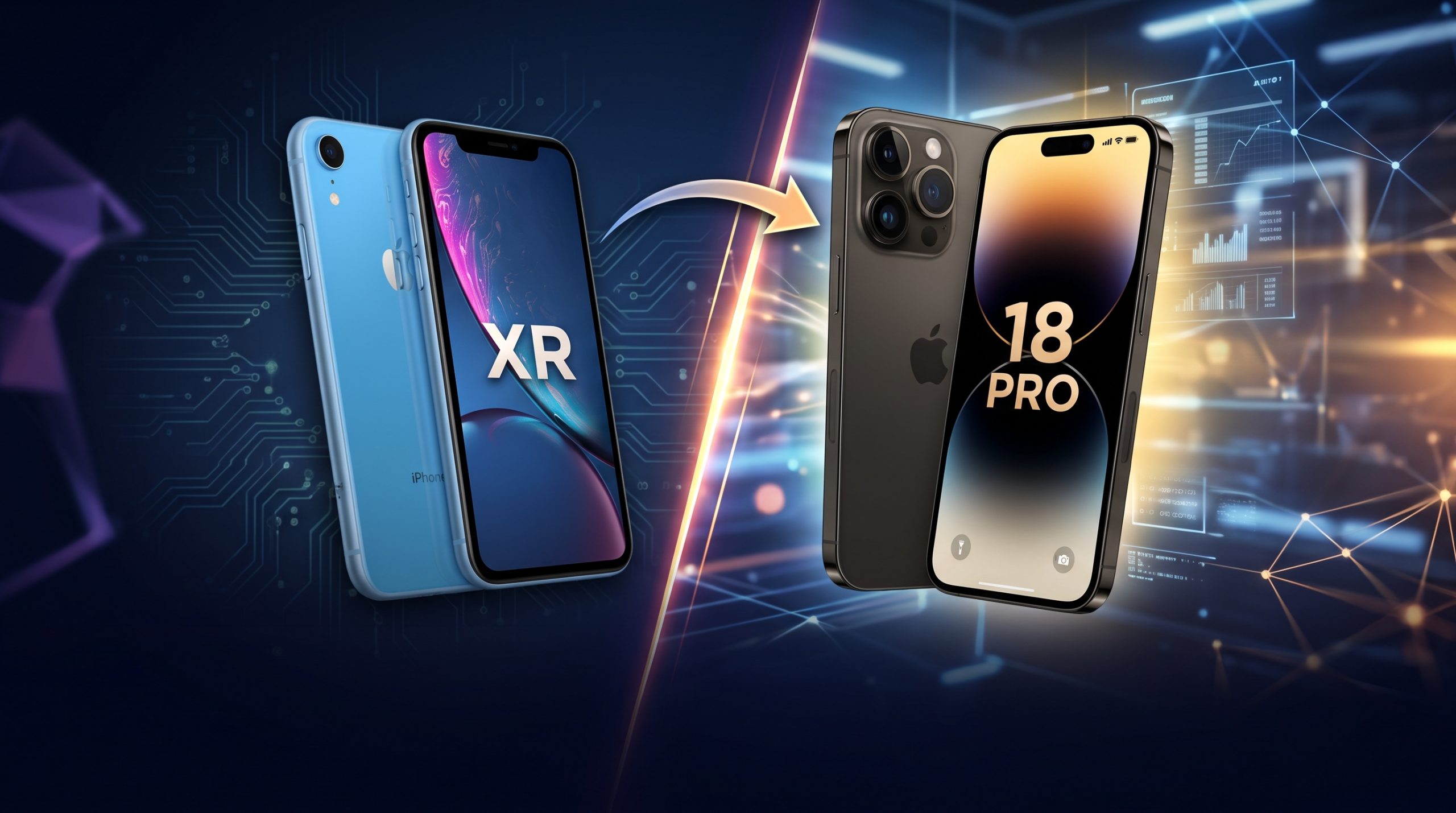
If you still have an iPhone XR but like the look of the newer iPhone 18 Pro or iPhone 18 Pro Max, you may have come across videos and repair shops offering iPhone XR-to-iPhone 18 Pro conversions.
These conversions typically involve replacing the exterior housing, back glass, camera housing, buttons, or other cosmetic components so that an older iPhone resembles a newer model.
But there is an important difference between changing the appearance of an iPhone XR and actually upgrading it into an iPhone 18 Pro.
You can make an iPhone XR look similar to an iPhone 18 Pro, but you cannot turn its A12 Bionic processor, LCD display, camera system, modem, battery, or other internal hardware into the hardware found in an iPhone 18 Pro.
The iPhone XR was introduced in 2018 and has a 6.1-inch LCD display, A12 Bionic chip and a single 12MP rear camera.
By comparison, the iPhone 18 Pro has a 6.3-inch OLED display with ProMotion up to 120Hz, an A20 Pro chip and a 48MP multi-camera system. The iPhone 18 Pro Max has a larger 6.9-inch display.
So, what exactly can you change?
What Does an iPhone XR-to-iPhone 18 Pro Conversion Mean?
An iPhone conversion usually means modifying the physical appearance of the existing phone.
Depending on the conversion kit and technician, this may involve replacing or modifying:
- The rear housing
- Back glass
- Camera cover or camera frame
- Side buttons
- Camera rings
- Decorative components
- External frame components
- The phone’s overall finish
The original iPhone XR motherboard and most of its internal components remain inside.
In other words, after the conversion, you still have an iPhone XR underneath the new exterior.
This is important when buying or selling a converted phone. It should not be advertised as a genuine iPhone 18 Pro or iPhone 18 Pro Max.
Can an iPhone XR Really Become an iPhone 18 Pro?
No—not in terms of hardware.
A conversion can change the appearance of the phone, but it cannot give the XR the same internal specifications as the iPhone 18 Pro.
For example, the iPhone 18 Pro has an A20 Pro chip, a 48MP Pro Fusion camera system, a 6.3-inch OLED display with ProMotion, USB-C, Camera Control, Wi-Fi 7 and other hardware that the iPhone XR does not have.
The iPhone XR has an A12 Bionic chip, a 6.1-inch LCD display and a single 12MP rear camera.
Replacing the outer shell cannot change those underlying components.
What You Can Change on an iPhone XR
If your goal is primarily to give the phone a newer appearance, there are several things that can potentially be changed.
1. Replace the rear housing
This is usually the most noticeable part of a conversion.
A compatible replacement housing can give the iPhone XR a design inspired by a newer Pro model, including a different camera arrangement and finish.
However, the replacement housing must be specifically designed to accommodate the XR’s internal components.
You cannot simply take an actual iPhone 18 Pro housing and expect an iPhone XR motherboard, battery and display to fit inside it.
2. Change the camera appearance
The camera area is one of the biggest visual differences between the XR and newer Pro models.
The XR has a single rear camera, while the iPhone 18 Pro has a multi-camera system.
A conversion kit may therefore include a decorative camera housing designed to make the XR resemble a newer Pro iPhone.
However, adding additional camera rings does not add additional cameras.
If the conversion kit has three camera openings but the XR still has only one working camera, the phone has not gained the photography capabilities of an iPhone 18 Pro.
3. Change the colour and finish
A housing conversion can also give the XR a different exterior colour or finish.
The iPhone 18 Pro and Pro Max are offered in finishes including black, silver, glacier and burgundy.
A compatible aftermarket housing may reproduce a similar appearance.
Keep in mind that an aftermarket finish is not the same thing as Apple’s original materials or manufacturing.
4. Add a newer-looking case
If you don’t want to open the phone, a case can provide the simplest cosmetic transformation.
This is considerably less invasive than replacing the housing and avoids many of the risks associated with opening the device.
A suitable case can change the phone’s colour, texture and overall appearance while leaving the original phone intact.
What You Cannot Upgrade Through a Housing Conversion
This is where many online conversion videos can be misleading.
Changing the exterior does not give an iPhone XR the following iPhone 18 Pro features.
OLED and ProMotion
The XR has a 6.1-inch LCD display with a 1792-by-828 resolution.
The iPhone 18 Pro has a 6.3-inch OLED display with ProMotion up to 120Hz, while the Pro Max has a 6.9-inch OLED display.
A housing conversion does not turn the XR’s LCD panel into the iPhone 18 Pro’s OLED display.
A20 Pro chip
The XR uses Apple’s A12 Bionic chip.
The iPhone 18 Pro uses the A20 Pro.
You cannot replace the XR’s processor with an A20 Pro through an ordinary conversion.
The motherboard architecture, power system, software support and other components are completely different.
The 48MP Pro camera system
The iPhone 18 Pro has a 48MP Pro Fusion camera system with multiple cameras and advanced features such as variable aperture, Pro controls and optical-quality zoom.
A cosmetic camera conversion does not provide these capabilities.
Dynamic Island
The iPhone 18 Pro has a Dynamic Island, while the iPhone XR was designed with the original notch.
A replacement housing cannot physically transform the XR’s display into the newer display architecture.
Some software or wallpaper tricks may make an XR look more modern, but they do not create a genuine Dynamic Island.
USB-C
The iPhone 18 Pro uses USB-C.
The iPhone XR uses Apple’s Lightning connector.
Replacing the external housing does not automatically turn the XR’s internal charging system into the USB-C system used by the iPhone 18 Pro.
5G
The iPhone XR supports LTE, while the iPhone 18 Pro supports 5G.
A housing conversion cannot add 5G because cellular connectivity depends on the phone’s modem, antennas and other internal hardware.
Can You Make the iPhone XR Look Like an iPhone 18 Pro Max?
You can make it look inspired by an iPhone 18 Pro Max, but there is a practical limitation.
The iPhone XR is 150.9mm tall and 75.7mm wide, while the iPhone 18 Pro Max is 163.4mm tall and 78.0mm wide.
That means the XR’s internal components were not designed for the larger Pro Max body.
A conversion marketed as an “18 Pro Max” may therefore be an aftermarket shell designed to create the visual impression of the larger model rather than a true conversion to the Pro Max’s dimensions and hardware.
For that reason, if you are buying a conversion kit, check exactly which XR model it was designed for.
How to Convert an iPhone XR Safely
If you decide to proceed with a physical conversion, the safest approach is to use a technician who has experience working specifically with iPhone housing replacements.
Step 1: Back up the iPhone
Before the phone is opened, back up important information.
Your backup should include things such as:
- Photos and videos
- Contacts
- Messages
- Documents
- WhatsApp data
- Notes
- Other important files
A repair or housing replacement can introduce the possibility of component damage or data loss.
Step 2: Inspect the phone before conversion
Make sure the XR is fully functional before modifying it.
Test:
- Touchscreen
- Face ID
- Cameras
- Speakers
- Microphone
- Charging
- Wi-Fi
- Bluetooth
- Mobile network
- Buttons
- Flash
- Vibration
This gives you a baseline against which you can check the phone after the conversion.
Step 3: Choose a compatible conversion housing
Do not buy a housing simply because the advertisement says “iPhone 18 Pro conversion.”
Ask the seller or technician:
- Is it specifically compatible with the iPhone XR?
- Does the original motherboard fit?
- Does the original battery fit?
- Does the original camera fit?
- Does the original screen fit?
- Are the buttons functional after installation?
- Does the Lightning port remain functional?
- Does the conversion affect Face ID?
- Is the rear camera functional?
- What happens to the phone’s water resistance?
The answers matter more than the appearance of the kit.
Step 4: Have the phone disassembled by a qualified technician
An iPhone contains delicate components, cables, seals and connectors.
Opening the phone incorrectly can damage the display, battery, camera, Face ID components or motherboard.
For this reason, a housing conversion is not a good project to attempt without the appropriate repair experience and tools.
Step 5: Transfer the components
The technician transfers the compatible components from the XR into the replacement housing.
Exactly what can be transferred depends on the particular conversion housing.
Not every aftermarket housing supports every original component perfectly.
Step 6: Test the phone before closing the repair
The technician should test the major functions before completing the assembly.
Pay particular attention to:
- Face ID
- Cameras
- Flash
- Display
- Touch
- Charging
- Speakers
- Microphone
- Buttons
- Cellular connection
- Wi-Fi
- Bluetooth
Step 7: Check the phone after the conversion
Once the conversion is complete, test everything again.
Do not judge the conversion purely by how the phone looks.
A phone that looks like an iPhone 18 Pro but has a damaged Face ID system, camera, charging port or microphone is not a successful repair.
Will the Conversion Affect Face ID?
It can, depending on how the phone is disassembled and what components are moved.
Face ID relies on components that are sensitive to damage or incorrect replacement.
Therefore, test Face ID before and after the conversion.
If Face ID worked before the conversion but stops working afterward, return to the technician immediately rather than assuming the problem will resolve itself.
Will the iPhone XR Still Be Water-Resistant?
You should not assume that it will.
The original iPhone XR has an IP67 rating under controlled laboratory conditions.
Opening the phone and replacing its housing can affect the seals and adhesives that contribute to its resistance to water and dust.
Therefore, after a housing conversion, it is safer to treat the phone as not water-resistant unless it has been professionally resealed and its resistance has been appropriately tested.
This is particularly important because an aftermarket housing does not automatically carry Apple’s original protection specifications.
Can You Install iPhone 18 Software on the iPhone XR?
No.
You cannot install the iPhone 18 Pro’s hardware-dependent features simply by changing the phone’s appearance or installing an app.
Some aspects of the interface can be customized using wallpapers, widgets, icons and other supported software features.
However, software customization does not turn the XR into an iPhone 18 Pro.
The processor, cameras, display, modem, sensors and other hardware remain those of the XR.
Is an iPhone XR-to-iPhone 18 Pro Conversion Worth It?
That depends on what you want.
If your main objective is appearance, a conversion can give an older phone a significantly different look.
If your objective is to obtain the actual performance and features of an iPhone 18 Pro, a housing conversion will not accomplish that.
The iPhone 18 Pro introduces substantial hardware differences, including its A20 Pro chip, 48MP Pro Fusion camera system, OLED ProMotion display, USB-C connectivity, 5G and newer wireless technologies.
Those features cannot be created by changing the XR’s exterior.
Things to Consider Before Paying for a Conversion
Before handing your phone to a repairer, ask for a clear explanation of what is actually being replaced.
Be particularly careful with advertisements that claim:
- “XR becomes 18 Pro”
- “Full iPhone 18 Pro upgrade”
- “Original 18 Pro camera”
- “A20 Pro upgrade”
- “5G conversion”
- “Dynamic Island hardware upgrade”
A cosmetic conversion should be described honestly as a conversion housing or cosmetic modification.
If someone is selling a converted XR as a genuine iPhone 18 Pro, that is a different matter entirely.
Check the device’s actual model and hardware rather than relying on its exterior appearance.
iPhone XR vs iPhone 18 Pro: What Actually Changes?
| Feature | iPhone XR | iPhone 18 Pro after cosmetic conversion |
|---|---|---|
| Processor | A12 Bionic | A12 Bionic |
| Display | 6.1-inch LCD | 6.1-inch LCD unless separately modified |
| Rear camera | 12MP single camera | Original XR camera |
| Cellular | LTE | LTE |
| Charging connector | Lightning | Lightning |
| Face ID | Yes | Remains XR hardware |
| Physical appearance | Original XR | Can resemble newer Pro design |
| Water resistance | Original IP67 rating | Do not assume original rating remains |
| iPhone 18 Pro performance | No | No |
| A20 Pro chip | No | No |
| Genuine 48MP Pro camera system | No | No |
| Genuine ProMotion display | No | No |
| Genuine USB-C system | No | No |
The key point is simple: the conversion changes the appearance, not the identity or core hardware of the phone.
Frequently Asked Questions
Can I convert an iPhone XR into an iPhone 18 Pro?
You can convert its exterior to resemble an iPhone 18 Pro using compatible aftermarket parts, but you cannot turn the XR into a genuine iPhone 18 Pro.
Can I convert an iPhone XR into an iPhone 18 Pro Max?
You can give the XR a Pro Max-inspired appearance, but the XR’s internal hardware remains that of an iPhone XR.
Will the conversion give me three working cameras?
No. Adding a camera-style housing does not add the iPhone 18 Pro’s camera hardware.
Will an XR conversion get 5G?
No. 5G requires compatible cellular hardware and a modem. A housing replacement does not add 5G.
Will it get Dynamic Island?
Not the genuine hardware-based Dynamic Island experience of the iPhone 18 Pro. The XR’s display and front-camera architecture remain fundamentally different.
Will the phone become USB-C?
Not through a normal housing conversion. The XR’s internal charging system remains based on Lightning.
Will Face ID still work?
It can continue to work if the original components are preserved and the conversion is carried out correctly, but it should always be tested after the repair.
Is a converted iPhone XR a real iPhone 18 Pro?
No. It remains an iPhone XR with aftermarket modifications.
Final Takeaway
Converting an iPhone XR to look like an iPhone 18 Pro or iPhone 18 Pro Max can be an interesting way to refresh an older phone’s appearance.
However, it is important to understand exactly what you are paying for.
You can change the shell. You cannot turn the XR’s A12 Bionic into an A20 Pro, its LCD into the 18 Pro’s OLED ProMotion display, its single camera into the 18 Pro’s multi-camera system, or its LTE hardware into 5G simply by changing the housing.
If you decide to proceed, back up your data, use a conversion housing specifically designed for the XR, choose an experienced technician, and test every major function after the conversion.
Most importantly, make sure the phone is described honestly. A converted iPhone XR may look like an iPhone 18 Pro, but it is still an iPhone XR underneath.
