

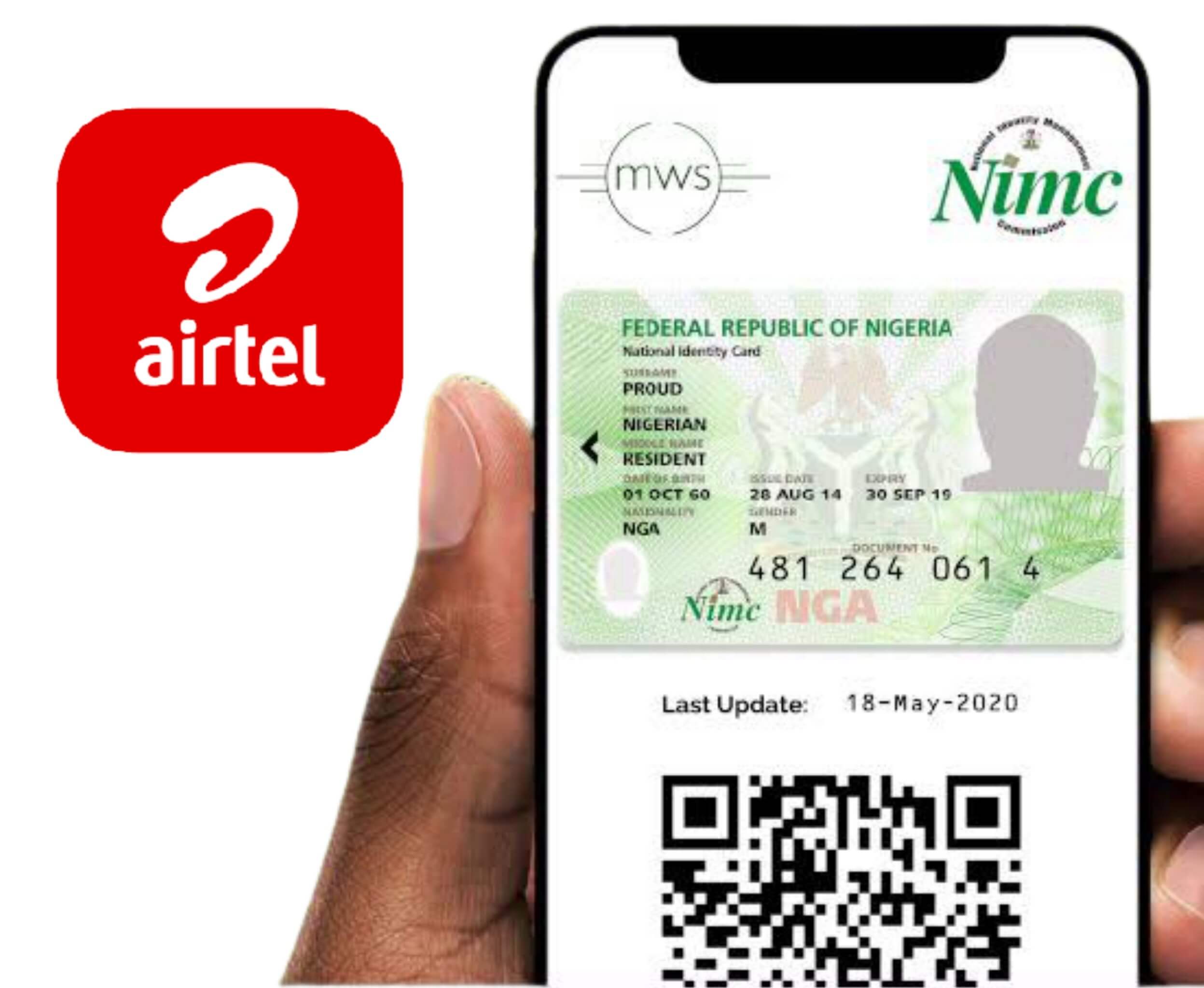
The Federal Government has mandated that all SIM cards be linked to a National Identification Number (NIN). Failure to do so will result in a blockage. To prevent your Airtel sim from being disconnected, we’ve created this post to educate you on the various methods you can use to link your NIN to your Airtel Line.
NIN stands for National Identification Number, which I’m sure you already know. It is a unique 11-digit number, and everyone should have one.
If you haven’t yet registered for your NIN, you can do so at any NIMC Enrolment Centres or at your preferred mobile operator center. If you’ve registered or had a NIN in the past but can’t quite remember it, dial *346# on your 9mobile phone to get your NIN right away.
How to link NIN to your Airtel line
To link your NIN to your airtel line,
On the Airtel line you want to link, dial *121#, then type 1 for “NIN Capture” and send. Send your 11-digit NIN number. Keep an eye out for the message that confirms your submission. If you receive an error, simply wait a few moments and try again. You can also visit Airtel NIN portal to link your NIN to your Airtel line.
