


Learn how to install MIUI 12 on any Xiaomi phone. Xiaomi has recently unveiled the MIUI 12-its latest version of its custom UI which is based on Google’s Android operating system.
As one would expect, the new UI comes with a host of new features. One of the key feature or highlight of the MIUI 12 is the Dark Mode 2.0. This feature works perfectly well with Xiaomi phones featuring AMOLED display.
For now, the MIUI 12 is only available via the company’s beta program. This means that you’ll need to manually flash the UI on an eligible Xiaomi smartphone. Below is a list of Xiaomi phones that are eligible for the MIUI 12;
- Xiaomi Mi 10 Pro
- Xiaomi Mi 10
- Xiaomi Mi 10 Youth Edition
- Xiaomi Mi 9 Pro
- Redmi K30 Pro
- Redmi K30
- Redmi K20 Pro
- Redmi K20
- Xiaomi Mi Mix 3
- Xiaomi Mi 8 series
- Redmi Note 8 Pro
- Redmi Note 7, 7 Pro
- Xiaomi Mi Mix 2
- Redmi 8, 8A
- Redmi 7, 7A
- Xiaomi Mi CC9, CC9 Pro, CC9e
How to Download the MIUI 12 on my Xiaomi phone
We have provided below the custom beta ROM links for all Xiaomi phones eligible for the MIUI 12. Click on your phone and download the custom beta ROM.
- Redmi Note 8 Pro, download here
- Xiaomi Mi 9, download here
- Xiaomi Mi Mix 2
- Xiaomi Mi 10 Pro
- Xiaomi Mi 9 Pro 5G
- For all other Xiaomi phones, download here
How to Install MIUI 12 on Any Xiaomi Phone
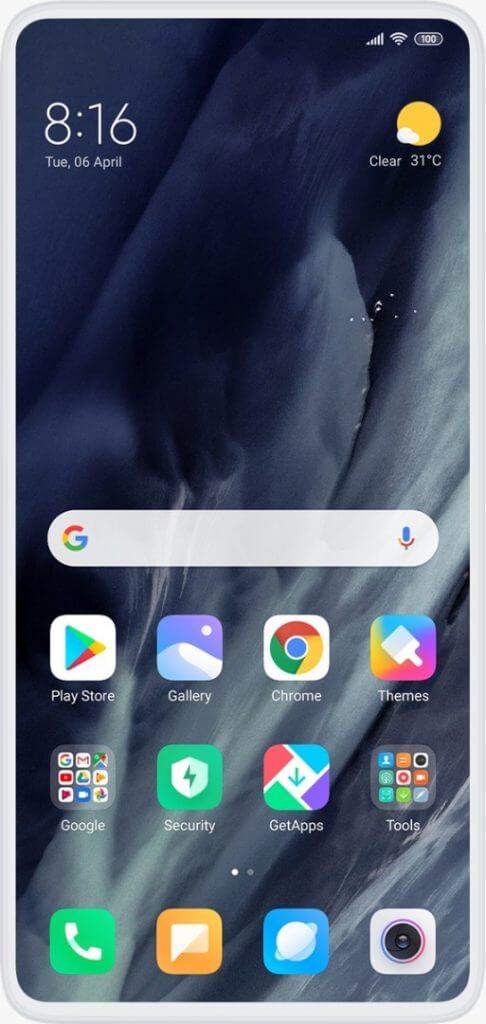
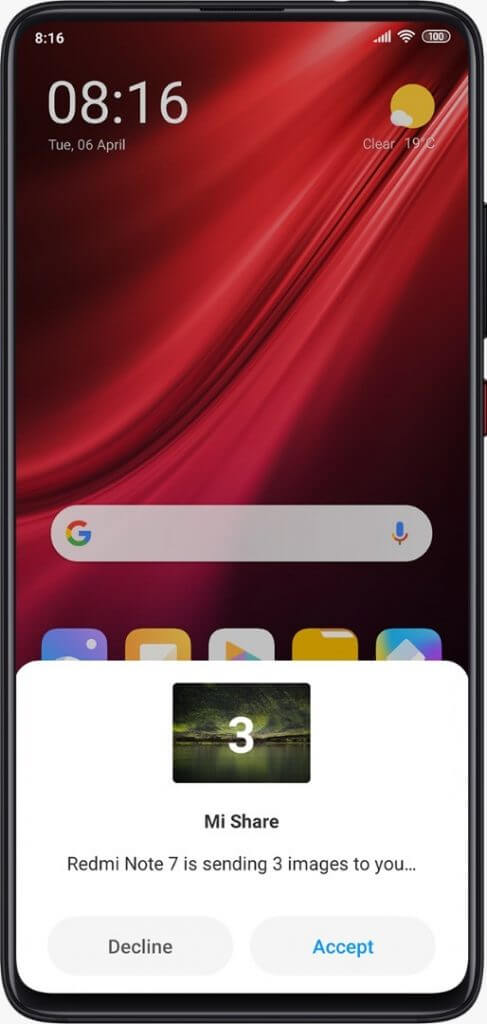
Before we begin the installation process, ensure you back up the important files on your phone. This process will completely wipe your device clean. Follow the steps below carefully to install MIUI 12 on your device.
Step 1: Unlock Xiaomi phone bootloader
- On your PC, download ADB drivers and the Mi Flash Tool here
- On your Xiaomi phone, go to “Settings” >> “About page” and click on the MIUI version 7 times to enable the “Developer Tools” on your device.
- Ensure you’re signed in to your Mi account.
- Go to Settings >> Additional Settings >> Developer Options >> Enable OEM Unlocking and USB Debugging.
- Click on “Mi Unlock” and press the “Add account and device” option.
- Now switch off your Xiaomi phone.
- Go back to your PC and open the Mi Flash Tool. Ensure that the Android drivers are installed in the same folder.
- Inside the Mi Flash Tool, sign in to your Mi account.
- Hold the power and volume down button of your Xiaomi phone together for a few seconds to enable “Fastboot mode”.
- Use the USB cable to connect your phone to the PC. Click on Unlock.
Step 2: Installation of Custom Recovery
If your Xiaomi phone already has a custom recovery installed, you can skip this step entirely.
After successfully unlocking the device, you’ll need to flash/install a custom recovery e.g. Orange Fox, TWRP.
Before you can flash a custom recovery, you’ll need to download a recovery image from XDA developers.
When this has been done, move the downloaded file from the “Download folder” to “ADB folder”.
Now follow the steps below;
- Put the Xiaomi phone on Fastboot mode by holding both the power and volume down buttons together for a few seconds.
- Connect the Xiaomi’s phone to your PC via a USB cable.
- From the ADB folder, open CMD.
- Enter this command – “fastboot devices” to check if the PC has recognised the Xiaomi phone. If it hasn’t, you’ll need to download and install the latest Android drivers.
- Now enter this command “fastboot flash recovery recovery.img”. Replace the ‘recovery.img’ with the file name of the recovery file which you downloaded.
Note that flashing a custom recovery on your Xiaomi phone, this may void your warranty.
Step 3: Flash MIUI 12 on the Xiaomi Phone
You can flash the MIUI 12 on your Xiaomi phone by following the steps below;
- Move the MIUI 12 closed beta ROM which you downloaded in step 1 to the internal storage of your Xiaomi phone.
- Open the custom recovery you’ve. You can do this by turning off your phone, press and hold the power and volume up buttons.
- Inside the custom recovery, go to the “Wipe” option and use it to wipe the system, cache, Dalvik cache and data.
- Finally, click on “Install” and flash the MIUI 12 which you moved to your device’s internal storage.
With this tutorial, you shouldn’t have any problem with installing MIUI 12 on any Xiaomi phone. You can also reach out to us via the comment section below.
Source: Techblet
