

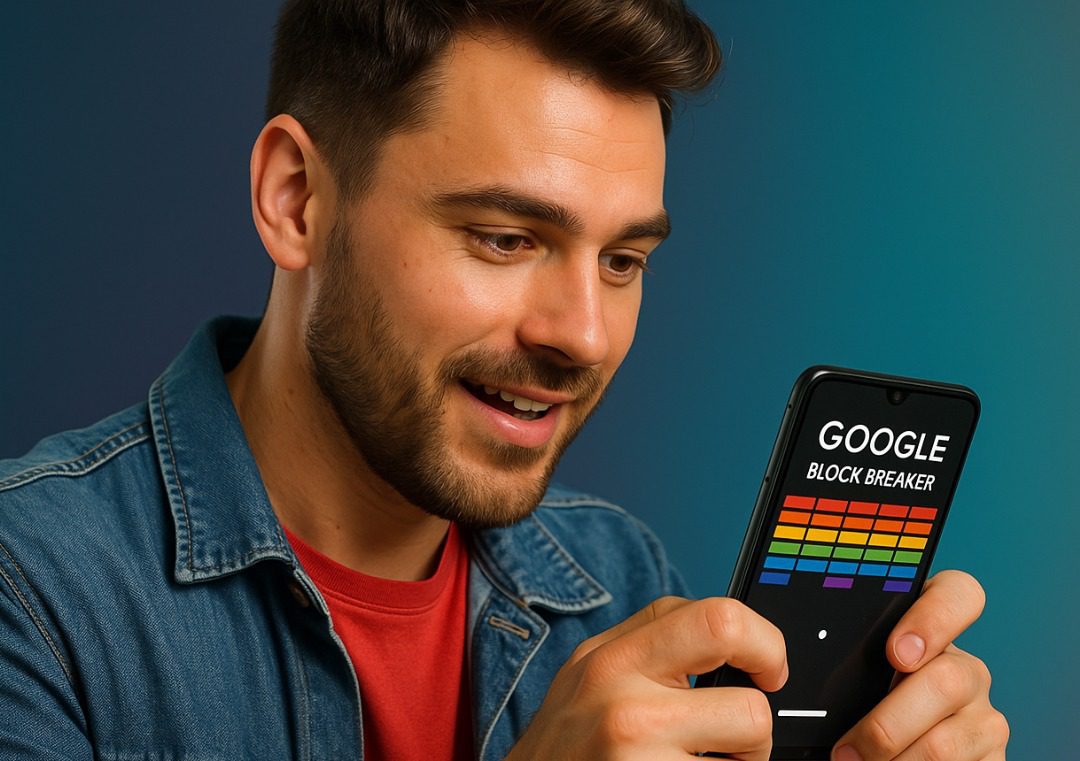
Google Block Breaker is one of those hidden gems tucked away in Google’s vast world of fun, free games. If you’re looking for a nostalgic experience similar to classic arcade games like Breakout or Arkanoid, Google Block Breaker delivers all the thrill right from your browser or mobile device.
In this article, we’ll explore what Google Block Breaker is, how to play it, its game rules, tips and tricks, and how to access it on your Android or iOS device. Plus, we’ll link to relevant tech content from PhoneCorridor.com to help improve your device for gaming and app experiences.
What Is Google Block Breaker?
Google Block Breaker is an interactive browser-based mini-game, part of Google’s collection of Easter Egg games. It’s a digital remake of the classic brick-breaking arcade game where a player controls a paddle to bounce a ball and destroy blocks on the screen.
There are no downloads, no sign-ups, and no in-app purchases—just open and play.
Where to Find It
To play, simply go to Google Search and type: “Google Block Breaker” or “Play Atari Breakout”
Alternatively, try image searching for “Atari Breakout” in Google Images. The screen will transform into a playable game.
How to Play Google Block Breaker
Game Objective
The goal is simple: Use the paddle to keep the ball in play and destroy all the blocks. The game ends when all blocks are cleared or the ball drops below the paddle and you lose all your lives.
Controls
- On desktop: Use the left and right arrow keys or your mouse to move the paddle.
- On mobile: Swipe your finger left or right to control the paddle.
Game Rules
- The ball will bounce off the paddle and blocks.
- Every block destroyed scores points.
- If the ball falls below the paddle, you lose a life.
- The game ends when all lives are lost or all blocks are cleared.
The difficulty increases as the ball’s speed rises gradually, making it more challenging to control.
Tips and Tricks to Master Google Block Breaker
Whether you’re playing for fun or looking to top your personal best score, here are some tricks to enhance your gameplay:
1. Centre the Paddle Early On
Start by keeping your paddle centred so you can adjust easily as the ball moves.
2. Control Ball Angles
Try hitting the ball at the edge of the paddle to change its trajectory. This helps break blocks in hard-to-reach corners.
3. Watch the Speed
As the game progresses, the ball gets faster. Anticipate its movement rather than chasing it.
4. Break Side Blocks First
Clearing side blocks helps you funnel the ball behind the main rows, letting it bounce repeatedly and score high points.
5. Stay Calm Under Pressure
Avoid erratic movement. Staying calm and steady with your paddle control helps keep the ball in play longer.
Can You Play Google Block Breaker on Android or iPhone?
Yes! Since it’s browser-based, it works on Chrome, Safari, Firefox, or any modern browser.
To play on mobile:
- Open Chrome or Safari.
- Type “Google Block Breaker” or “Play Atari Breakout”.
- Tap on the game interface once it loads.
- Swipe to control the paddle.
🔗 Related: Top 10 Offline Games for Android
Why Is Google Block Breaker Popular?
Here’s why people love it:
- Nostalgia: Reminds players of classic arcade games.
- No download needed: Quick and accessible.
- No ads or clutter: A clean, simple experience.
- Challenging: Gets tougher over time.
- Cross-platform: Playable on both desktop and mobile.
Is Google Block Breaker Safe?
Yes. Since it’s hosted directly by Google and does not require any installations or third-party software, it is 100% safe and free of malware or privacy risks.
Still, always ensure you’re on the official Google domain and avoid third-party clones that might not be secure.
🔗 Related: How to Spot Fake Apps on Play Store
Can You Download Google Block Breaker?
Unfortunately, Google Block Breaker is not available as a downloadable app. It is designed to be lightweight and browser-accessible.
However, there are many alternative brick-breaker games available on the Play Store and App Store.
🔗 Check out: Best Arcade Games for Android
Frequently Asked Questions (FAQs)
1. Is Google Block Breaker an official Google game?
Yes, it’s a browser-based Easter Egg game developed by Google.
2. Do I need a Google account to play?
No. You can play without signing in.
3. Is it available on the Google Play Store?
No. It’s only playable via browser search.
4. Is there a high score feature?
The original version doesn’t save scores, but some remakes do.
5. Can I play offline?
No. You need an internet connection to access the game via search.
6. Does it have sound effects?
Some versions include classic arcade sounds, depending on your device and browser.
7. Are there other similar games by Google?
Yes, Google has other Easter Eggs like Pac-Man, Snake, Dino Runner, and Tic Tac Toe.
🔗 Explore more: Hidden Google Games You Can Play for Free
8. Can I pause the game?
No official pause feature—exiting the tab will stop the game.
9. Can I play on a tablet?
Yes. It works just like on mobile.
10. Why can’t I find it on Google sometimes?
Google may rotate or update Easter Egg games. Try alternative search phrases like “Atari Breakout.”
Final Thoughts
Google Block Breaker offers simple, addictive gameplay that’s perfect for passing time without cluttering your device with apps. Whether you’re a retro gamer or someone who enjoys quick challenges, it’s worth checking out.
It’s free, fun, and surprisingly challenging. And because it works on all devices, you can enjoy it anytime, anywhere.
So, next time you’re bored, just Google it—literally.
🔗 More from PhoneCorridor.com
